
Shift handovers
Pass on what the next shift needs to know and see that they have read it.
Read more
Fridge temperatures, cash-up, alarm set. Paper checklists get skipped or filled in at the end of the day. Orbis Shift Operations attaches them to the shift so they get done and recorded.
Laminated checklists on the wall do not tell you whether anything was actually done, or by whom. When something goes wrong there is no record to look back on.
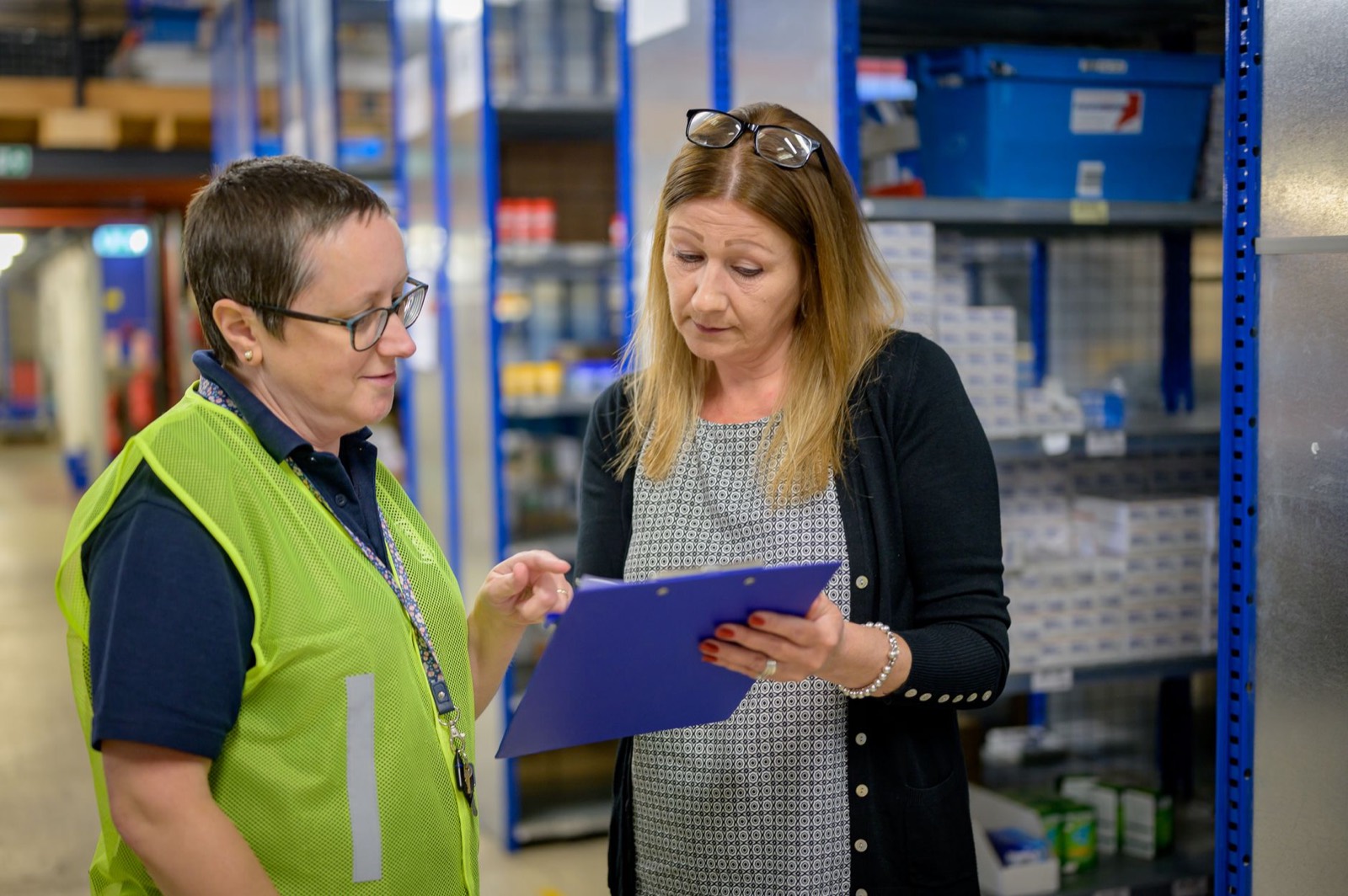
This use case uses Orbis Shift Operations, the add-on to Orbis Shift Core.
Create opening, closing or cleaning checklists with the items and answers you need.
Checklists are created on the days you choose, for the venues and departments they apply to.
Each item is ticked or answered in the app, with the name and time recorded.
Managers see incomplete checklists and can act before the next shift.
Pass on what the next shift needs to know and see that they have read it.
Read more
Record food hygiene, first aid and other certificates against each person and get reminders before they expire.
Read more
Check that staff clock in at the venue, by themselves, with optional location, kiosk and photo checks.
Read moreStart a 7-day free trial, or book a demo and we'll set it up around how you work.