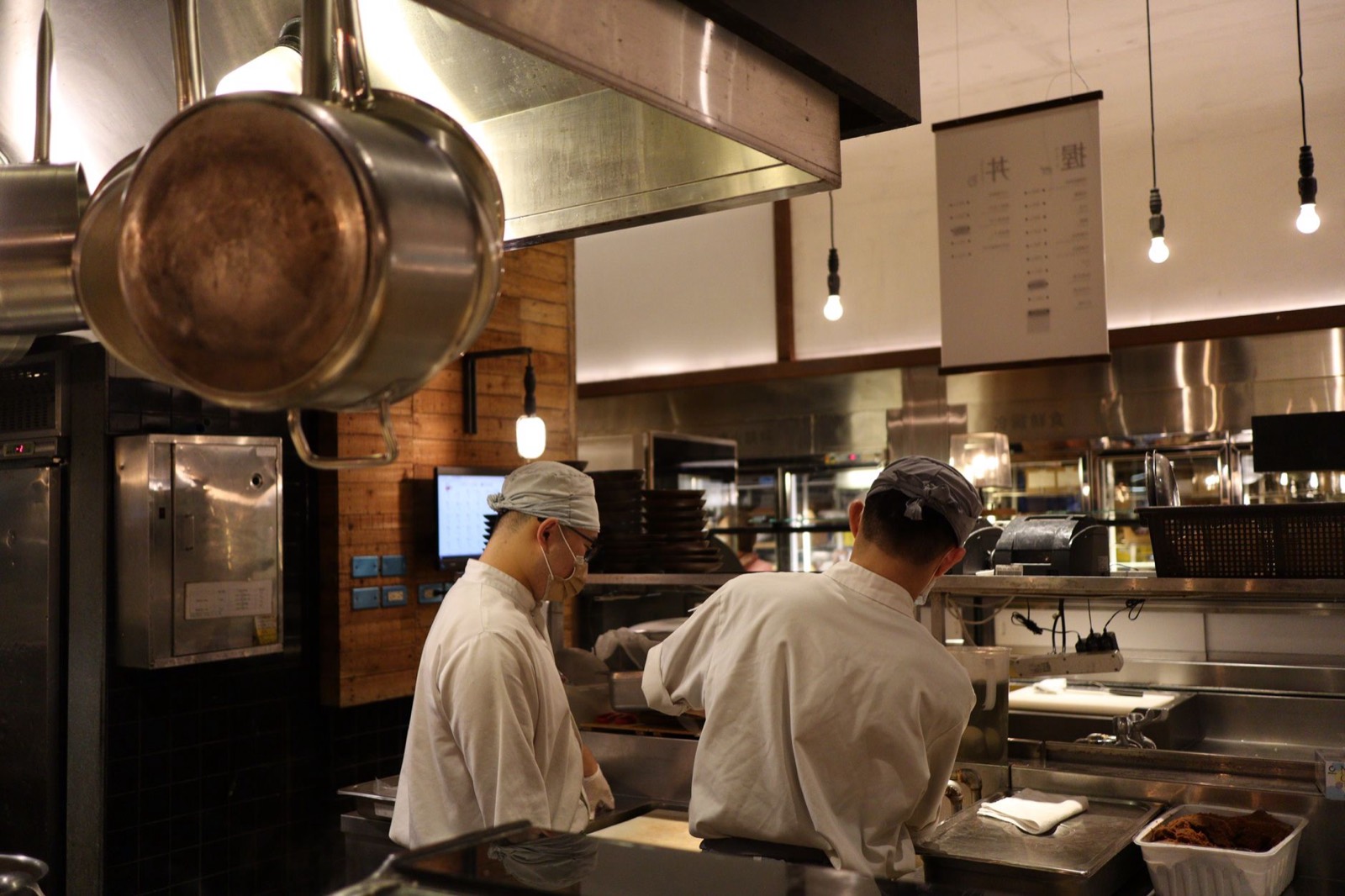
Covering last-minute sickness
Find who is free, reassign the shift and make sure the replacement knows, in minutes rather than a chain of phone calls.
Read more
A spreadsheet and a group chat work until the team grows. Orbis Shift replaces both with one place for the rota, leave, availability and hours.
Versions of the rota multiply, screenshots go out of date, and changes get lost in busy chats. Managers spend hours each week keeping it all in sync.

Add staff by email. They sign in on the web or the iOS and Android apps.
Plan the week on a clear rota, then copy it or save it as a template for next time.
Staff see their own shifts and get an email when the rota changes.
Holiday requests, availability and timesheets sit alongside the rota, not in other files.
Find who is free, reassign the shift and make sure the replacement knows, in minutes rather than a chain of phone calls.
Read more
Collect when people can and cannot work and build the rota around it.
Read more
Save multi-week cycles such as 4-on-4-off or alternating weekends and apply them to the team instead of rebuilding the rota every week.
Read moreStart a 7-day free trial, or book a demo and we'll set it up around how you work.