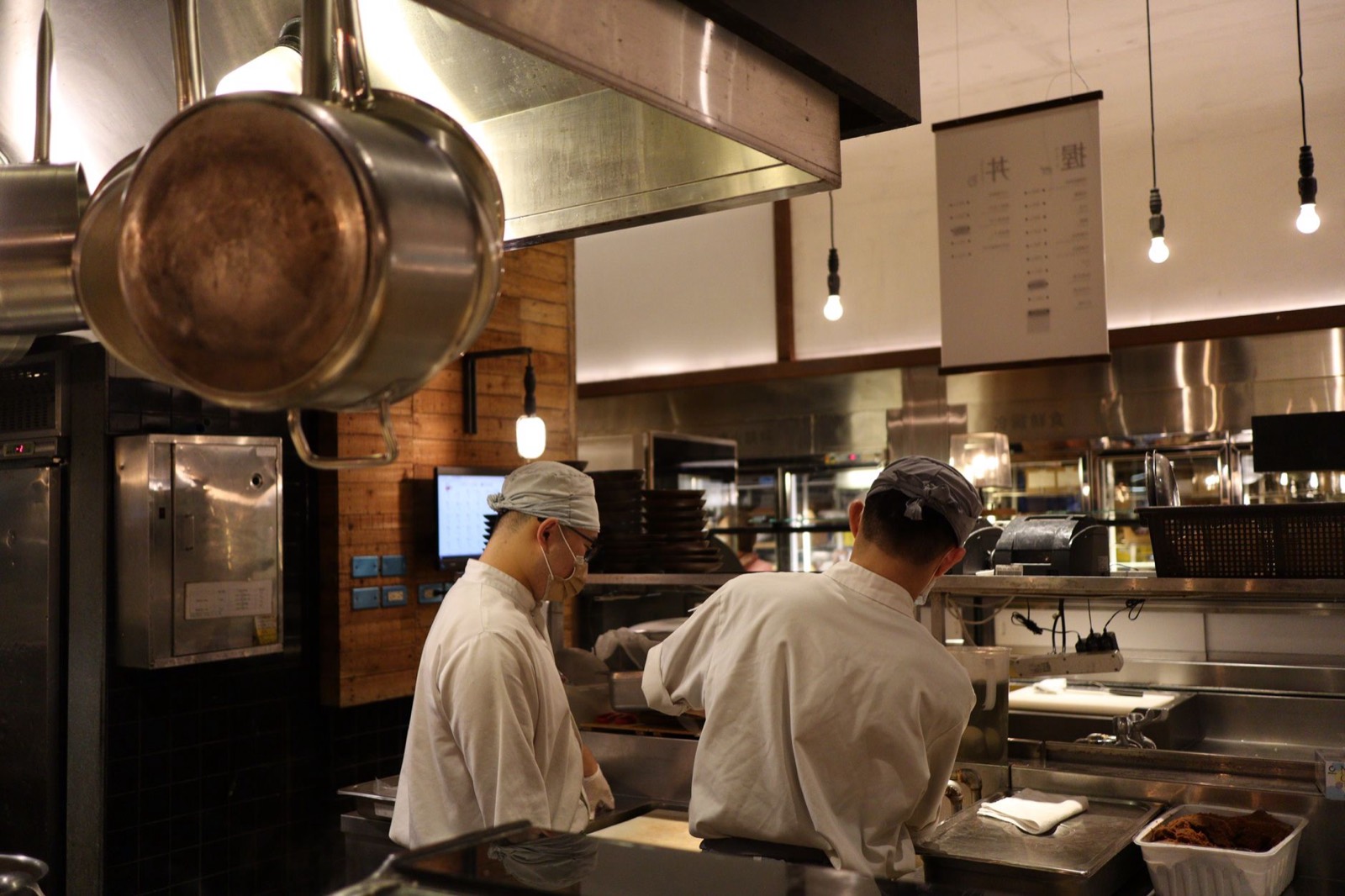
Covering last-minute sickness
Find who is free, reassign the shift and make sure the replacement knows, in minutes rather than a chain of phone calls.
Read more
Students, parents and casual staff can each only work certain days. Orbis Shift keeps everyone's availability next to the rota, so you build shifts people can actually work.
Availability lives in people's heads or in old messages. Rotas get published, then changed again when people say they cannot do it, and the same conversations repeat every week.

Each person records when they can and cannot work in the app.
Availability shows on the rota as you assign shifts, alongside approved leave.
Mark staff as full-time, part-time or casual and keep their pay rate and allowances on their profile.
Fewer clashes means fewer changes after the rota goes out.
Find who is free, reassign the shift and make sure the replacement knows, in minutes rather than a chain of phone calls.
Read more
Move the rota, leave and hours into one system that staff can see on their phones.
Read more
Approve leave with a clear view of who else is off and whether you will still have enough people on shift.
Read moreStart a 7-day free trial, or book a demo and we'll set it up around how you work.